
Tourism Marketing
AI Innovations
Business Growth
-3.png?width=2468&height=2069&name=691d338263a3c9e4690097a8_Announcements%20Blog%20(1)-3.png)

A well-designed website attracts visitors. But attracting visitors isn't the same as converting them. What happens in those first few seconds after someone lands on your page — whether they see a relevant, timely message or nothing at all — makes a significant difference to your booking rate.
Yonder's Announcements feature lets you display targeted pop-up messages, banners, and status updates directly on your website, managed from your Yonder dashboard, published in minutes, and requiring no developer involvement. Here's how to use it — and why it works.
Announcements are built into Yonder's AI Chatbot product — so if you're already using Yonder for chat, this feature is available to you right now.
From your dashboard you can create messages and assign them to specific pages or URLs, set date ranges for time-sensitive content or leave them running indefinitely, choose from five message types to match your intent, and track basic analytics including views and clicks.
The five message types are:
Status Update — urgent operational information like weather conditions, closures, or schedule changes. Proactively answer the question before it becomes a phone call.
Site-wide Banner — a single consistent message displayed across all pages. Use for important safety notices, event announcements, or seasonal promotions.
Call to Action — a promotional message linked to a specific page or offer, with click-through tracking. Built for time-sensitive deals and last-minute availability.
Prompt to Chat — encourages visitors on high-traffic pages to engage with your AI Chatbot, reducing bounce and increasing the likelihood of a booking conversation.
Chat Bubble — a subtle, non-intrusive tip or offer that surfaces alongside your chat widget without interrupting the browsing experience.
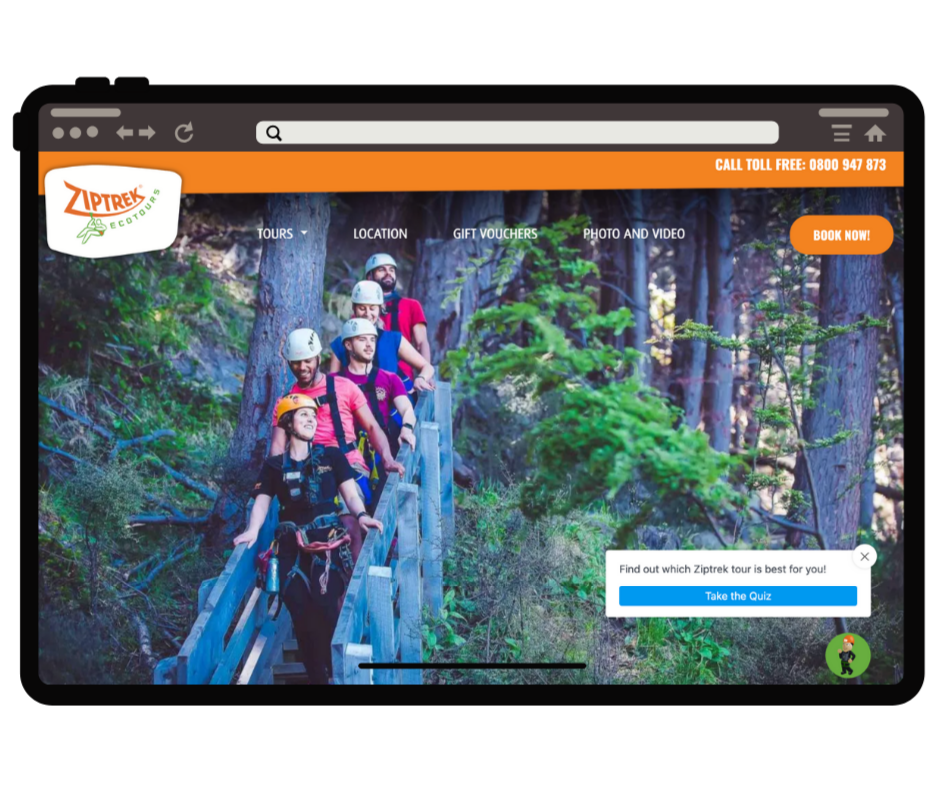
Capture attention at the critical moment. When a visitor lands on your homepage or product page, a well-timed message can direct them to an offer, alert them to a relevant operational update, or invite them to ask a question. That moment of engagement reduces bounce and nudges visitors further into the booking journey.
Create urgency around time-sensitive offers. Tourism deals are rarely evergreen — they're seasonal, weather-dependent, or tied to specific availability windows. A Call to Action announcement — "10% off if you book in the next 24 hours" or "Only 3 spots left for this Saturday" — converts that urgency into action before the visitor clicks away.
Reduce repetitive staff enquiries. Proactively answering the questions your team fields most frequently — today's weather, current opening hours, session availability — reduces inbound calls and emails before they happen. Taupo Tandem Skydiving, a Yonder customer, saves around 10 hours of staff time per month through the combination of announcements and chat automation.
As their team noted: "We especially like the targeted messages option for when we are running specials. So great to be able to put this message pop-up in front of our customers as soon as they visit our site."
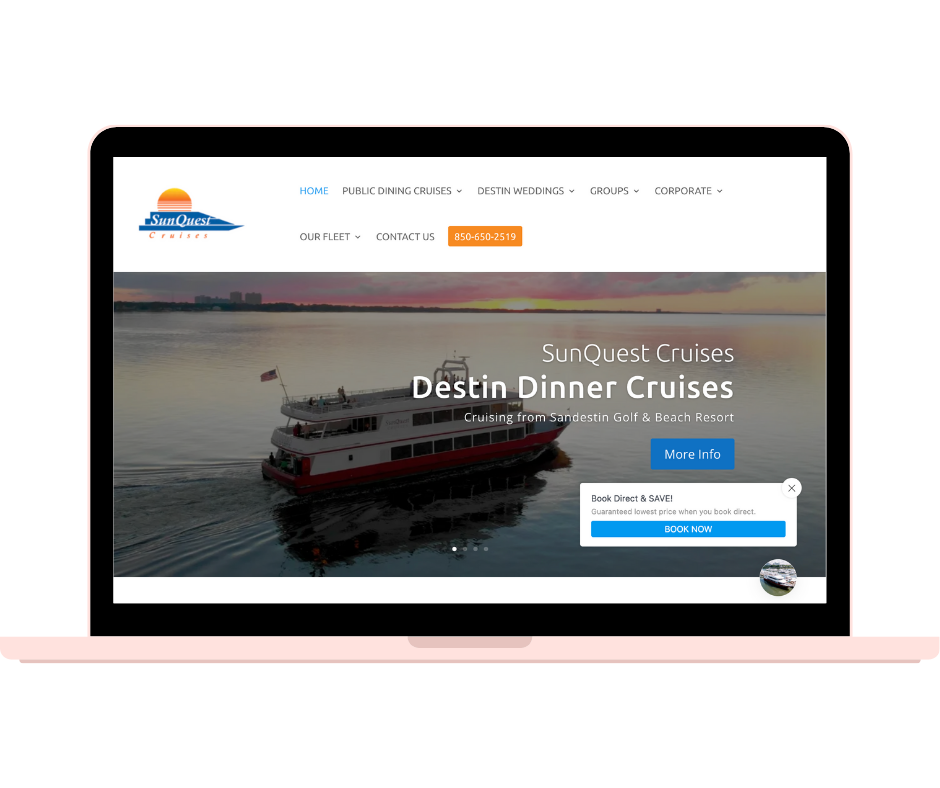
Map out your messaging opportunities before you start. Think across four categories:
Match message type to intent. A weather closure needs a Status Update. A limited-time deal needs a Call to Action. A high-traffic product page with a complex range of options might benefit from a Prompt to Chat directing visitors into your AI Chatbot — or a link to your Recommend Quiz, as Ziptrek Ecotours does.
Target pages and timing precisely. Assign messages to the URLs where they make the most sense — a booking page gets different messaging from a product overview page. Use date ranges for time-sensitive content and remove or update messages promptly when they expire.
Monitor and refine. Check views and click-through rates after a week of each message. Are fewer calls coming in? Are bookings increasing from that page? Use that data to refine your creative, adjust targeting, and test different message types.
Let announcements and chat work together. Announcements are most powerful when they complement your AI Chatbot. If an announcement says "Chat now for availability," make sure the chatbot is configured to handle that availability question instantly. Yonder's AI Chatbot handles this seamlessly — with live availability pulled directly from your connected booking system.
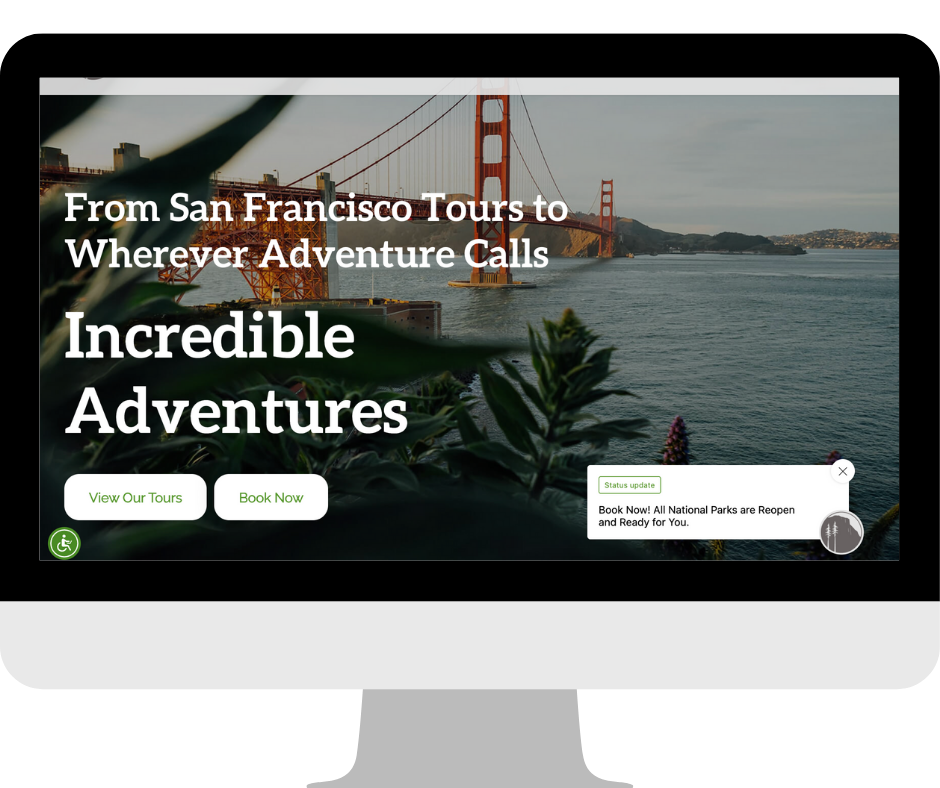
Before Yonder, Taupo Tandem Skydiving was missing website visits and enquiries. By combining Yonder's AI Chatbot with targeted Announcements, they now convert an average of 10–20 bookings per month through chat alone — while saving approximately 10 staff hours each month through automated handling of routine enquiries.
The two features work as a system: Announcements capture attention and direct visitors into chat. The chatbot handles availability, FAQs, and booking links. Together, they cover the full conversion journey from first visit to confirmed booking.
The moment a visitor lands on your website is your opportunity to answer their question, catch their interest, and guide them toward booking. Announcements make sure you never waste that moment.
Want to see how Yonder's Announcements feature works alongside the full platform? 👇